
Introduction: The Rise of Virtual Classrooms & Unique Challenges
The shift to online learning has brought flexibility—but also new stressors:
- Endless screen time
- Notifications and multitasking
- Feeling isolated or “Zoom fatigue”
For online learning students, these challenges can erode focus and motivation. Enter mindfulness for online learning students—a set of practices designed to help you stay present, reduce digital overwhelm, and turn virtual classes into productive, engaging experiences.
🌐 Real-Life Story:
Olivia, 20, at University of Manchester, UK, found her attention wandering during back-to-back Zoom lectures. After incorporating a 2-minute breathing break between sessions, her retention and energy levels skyrocketed.
1️⃣ What Makes Online Learning Different?

- Lack of physical cues: No teacher gestures or peer energy
- Digital distractions: Chats, emails, social media tabs
- Isolation: Less peer support, more self-driven
- Ergonomic strain: Back pain, eye strain
Mindfulness for online learning students addresses each of these by retraining your mind to notice digital overload and intentionally reset.
How can students manage time easily? Click here to know.
2️⃣ Core Principles of Mindful Online Learning

- Single-Task Presence: Focus on one window/app at a time.
- Digital Boundaries: Schedule “screen-free” micro-breaks.
- Body Awareness: Regular movement & posture checks.
- Mental Check-Ins: Quick self-assessments of stress/fatigue.
How to concentrate on studies to clear competitive exam?
How to develop study motivation in yourself?
3️⃣ 7 Mindfulness Techniques for Virtual Classrooms

| Technique | How to Practice |
|---|---|
| 1. 2-Minute Transition Breaths | Between lectures: inhale–hold–exhale for 4–4–6 counts. |
| 2. Pomodoro + Digital Pause | 25 min study → 5 min away from screen (stretch/breathe). |
| 3. Screen-Scan Body Check (UK) | After every hour, scan shoulders-to-toes—release tension (e.g., Emma, London). |
| 4. Mindful Note-Taking | Write summary in your own words instead of transcribing. |
| 5. “Mute & Mindful” Microbreaks | Mute camera; close eyes for 30 seconds; observe breath. |
| 6. Gratitude Chat Journals | Post one appreciative note in class chat daily. |
| 7. Virtual Study Buddy Check-In (USA) | Pair up online: 5-minute mindful check-in before group work (e.g., Jake, Seattle). |
You can also click on this article to know more about how mindfulness techniques help in taking our online classes.
4️⃣ Deep Dive: Technique #3—Screen-Scan Body Check
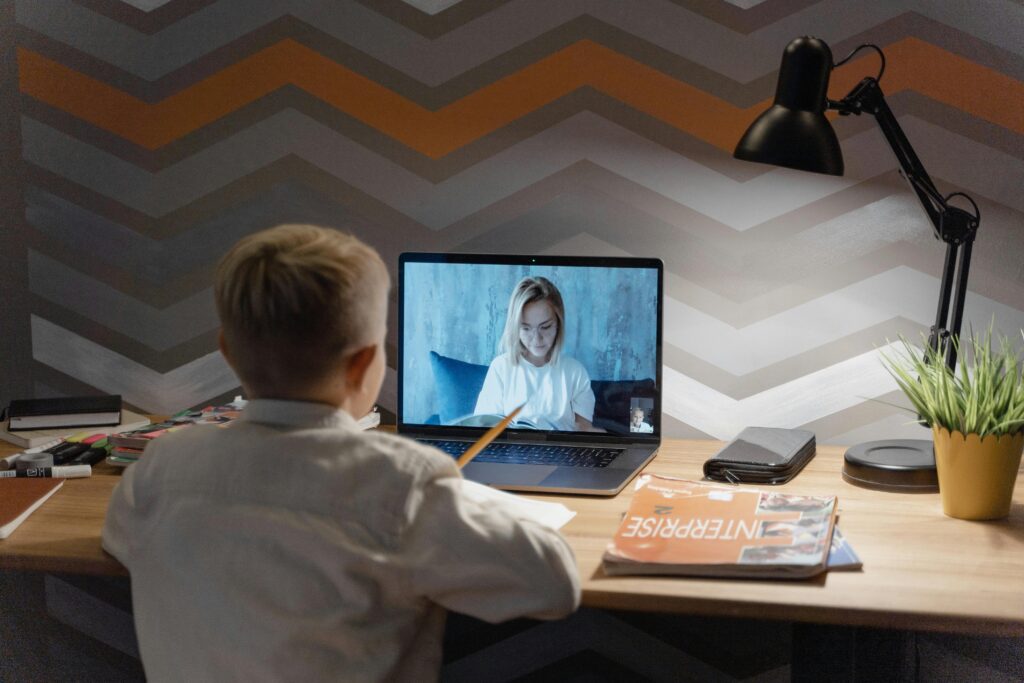
In a 2024 Stanford survey, 68% of online students reported neck/back strain. A simple screen-scan body check means:
- Sit upright
- Close eyes, mentally scan toes → head
- Notice tension, consciously relax
Do this every hour. It resets your posture and helps you stay alert.
❓ Q&A Section
Q1: How can I stay focused when my roommate is noisy?
A: Use “mute & mindful” microbreaks—briefly close your eyes, breathe, and refocus before unmuting.
Q2: Isn’t it distracting to pause in the middle of a live lecture?
A: Not if you do it quietly off-camera. A 10-second breath can reset attention without missing key points.
🔎 FAQs
Q1: What apps help with mindfulness during online classes?
Try Insight Timer for quick timers, or Forest app for focus + break reminders.
Q2: How often should I practice these techniques?
Aim for a microbreak every 30–45 minutes, and a 5-minute stretch or breathing break every 90 minutes.
🔚 Conclusion & Call to Action
Virtual learning demands new skills—mindfulness for online learning students is your secret weapon. Start with one technique today: set a reminder for your 2-minute transition breath, and watch your focus—and grades—improve.
👇 Your Turn:
Which technique will you try in your next class? Comment below or share this post with a study buddy!
✍️ Author Bio
CalmWithinMinutes Team crafts student-centric mindfulness guides grounded in real experiences and science-backed methods. Let’s build calmer, more focused virtual classrooms—together.